
Marketing kit
Flyers, retractable banners, backdrops and more
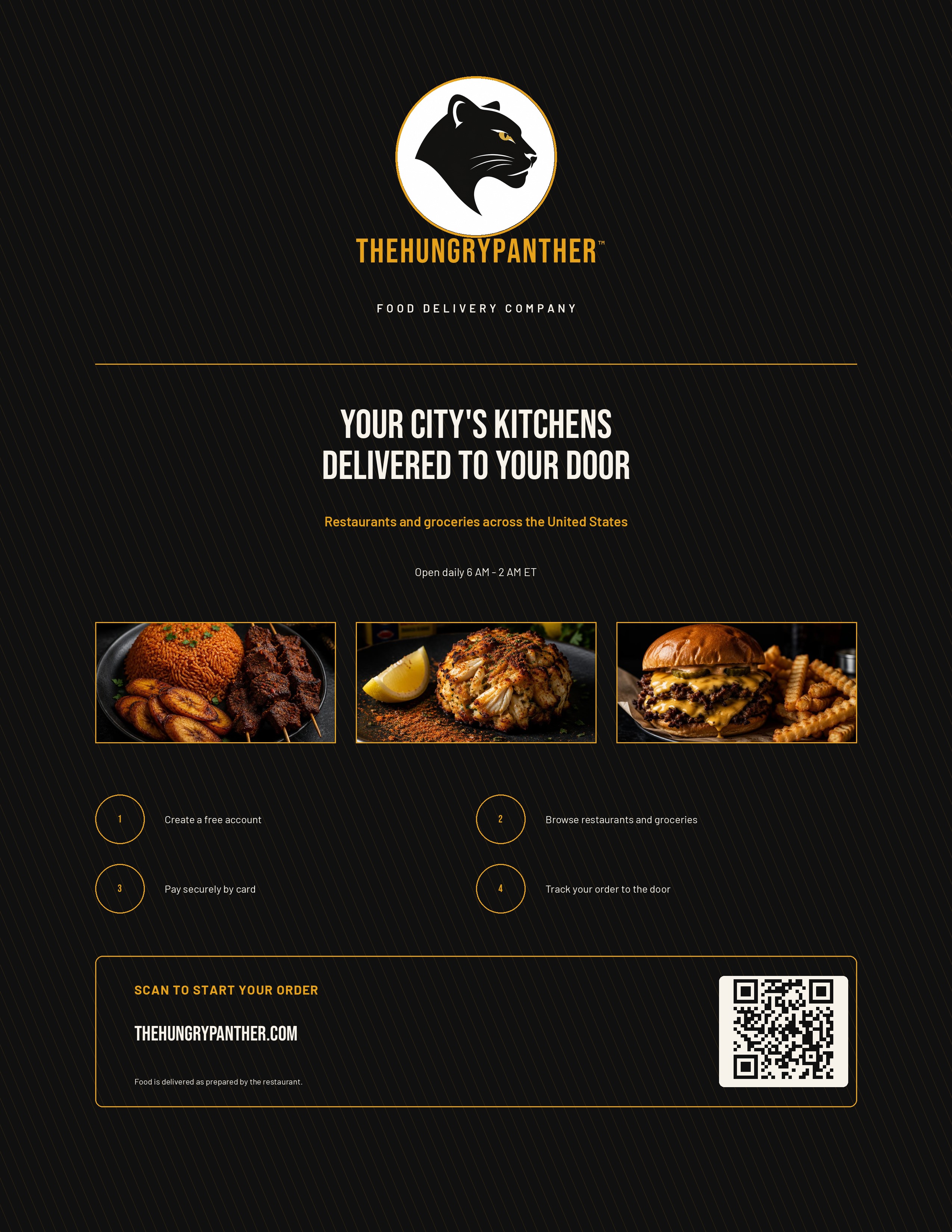
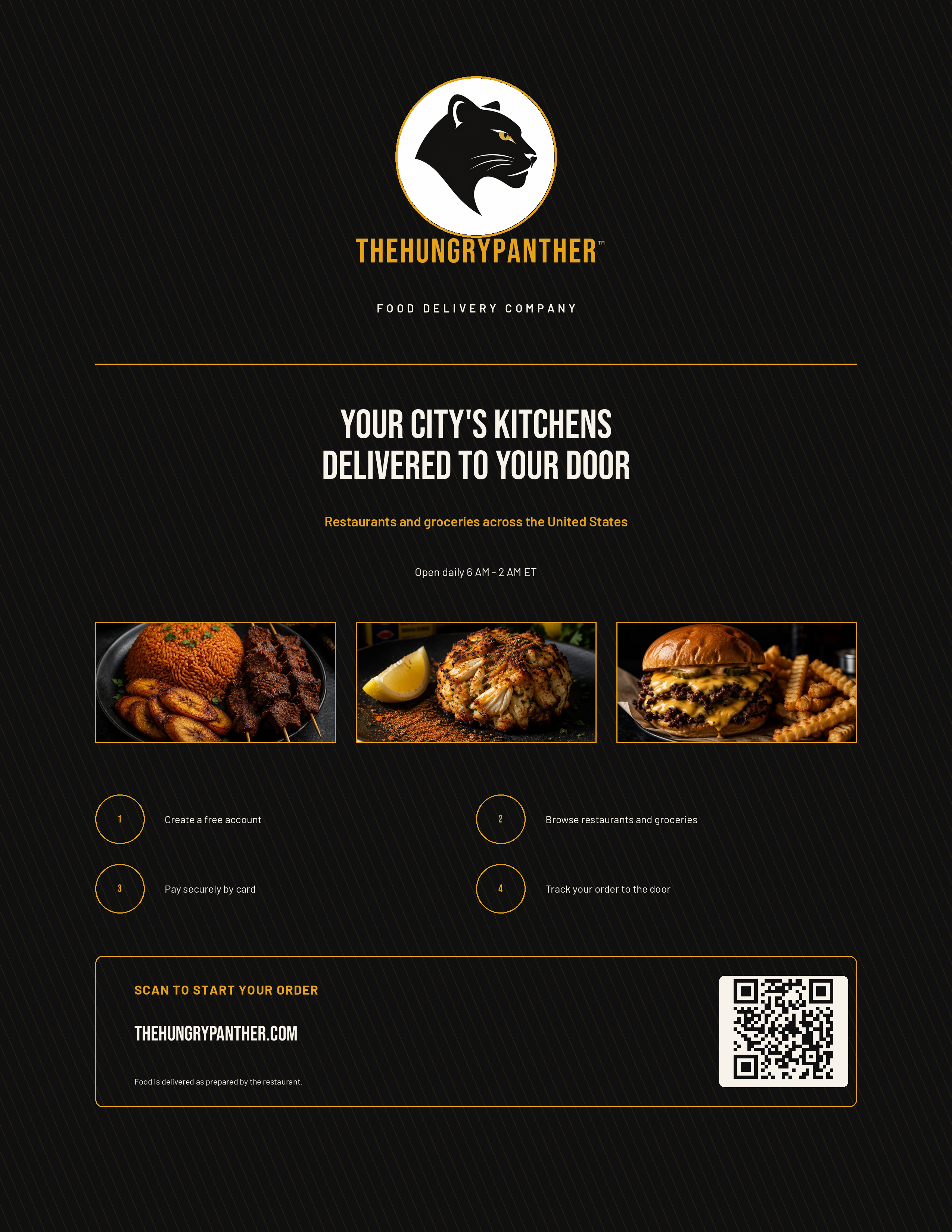
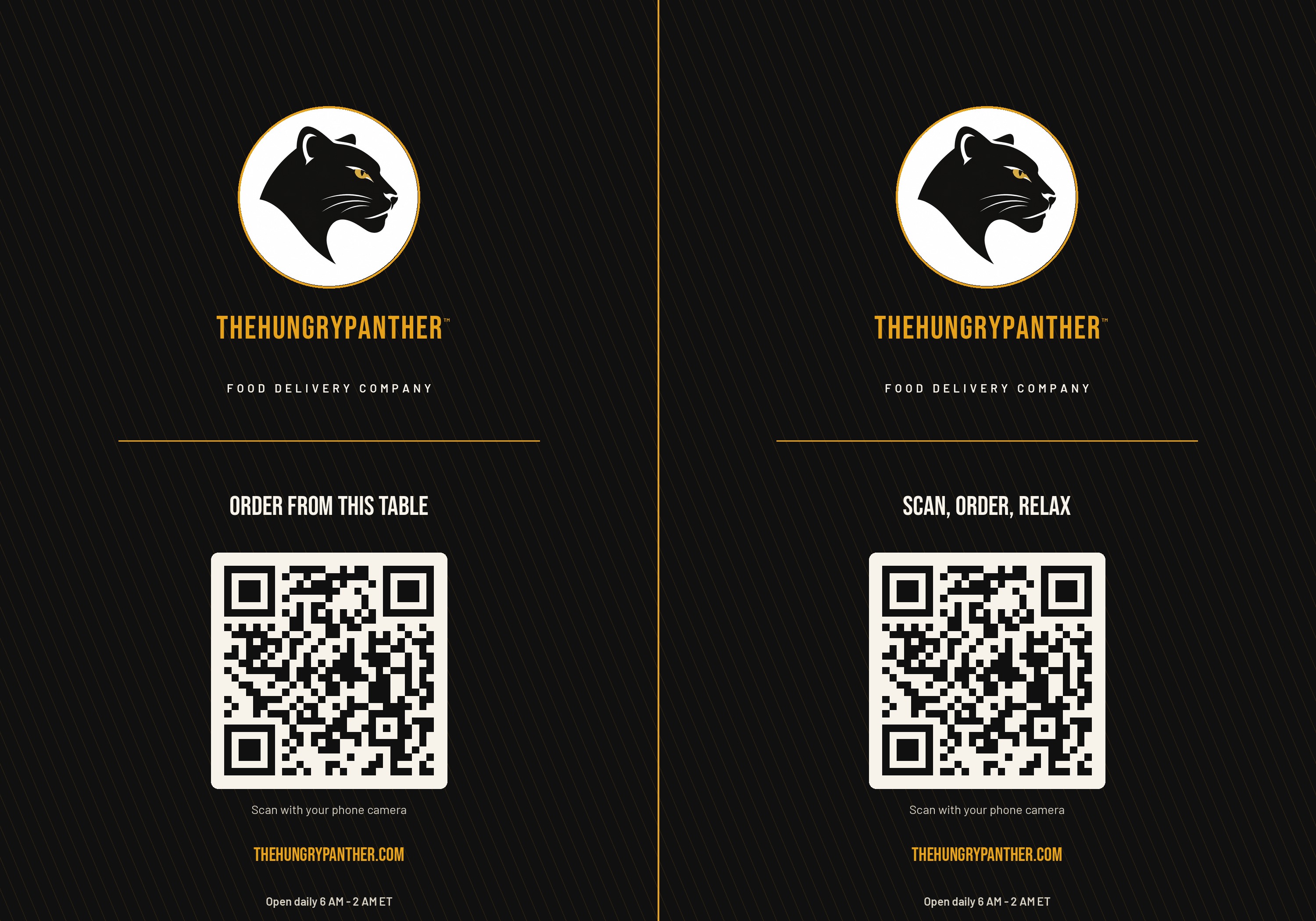
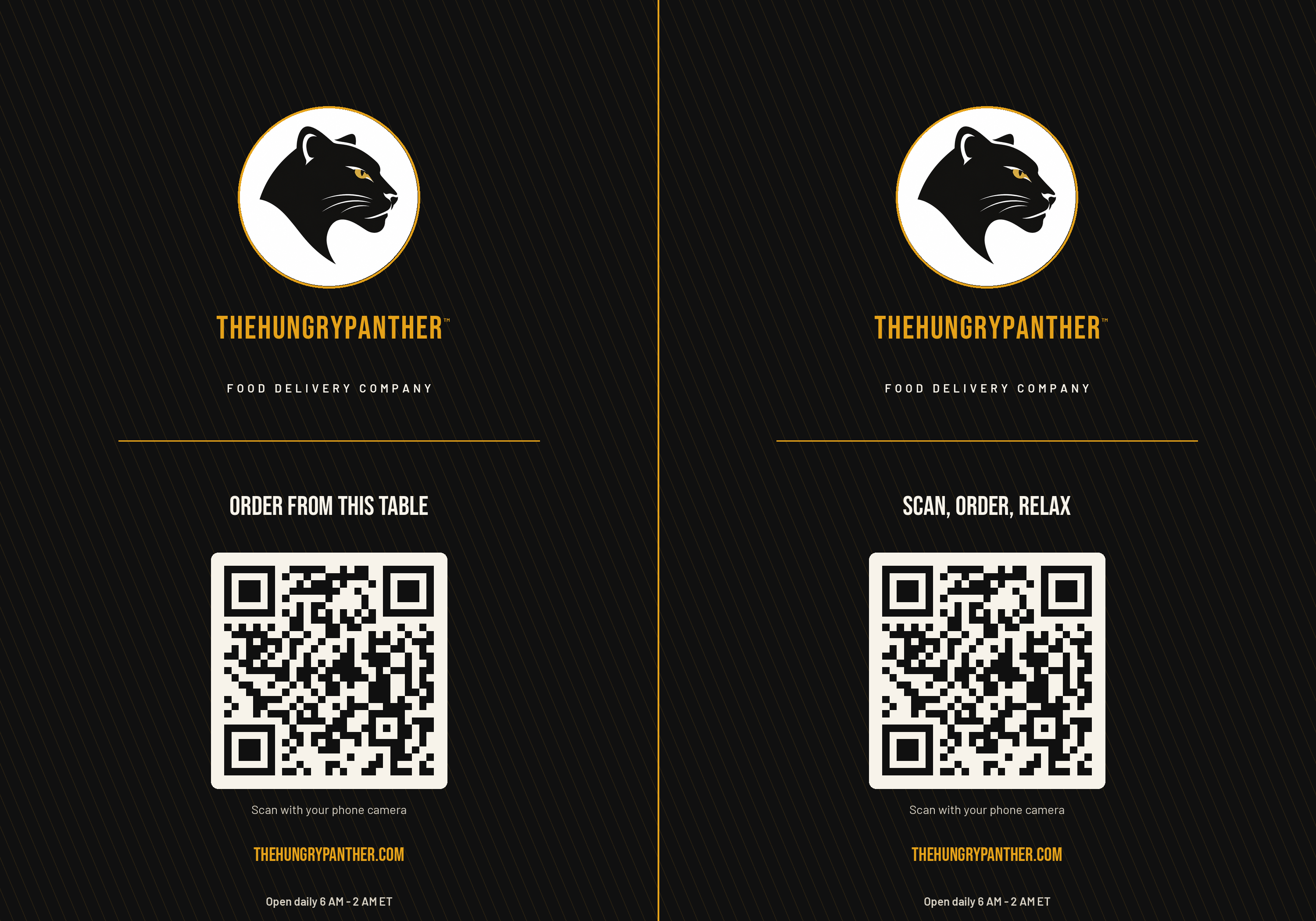
Every piece below is free to download in PDF, PNG and JPEG. QR codes on the flyers, table banners, door stickers and business cards open the ordering page, so a customer can start an order straight from a table, a door or a card handed to them.
Download everything (ZIP)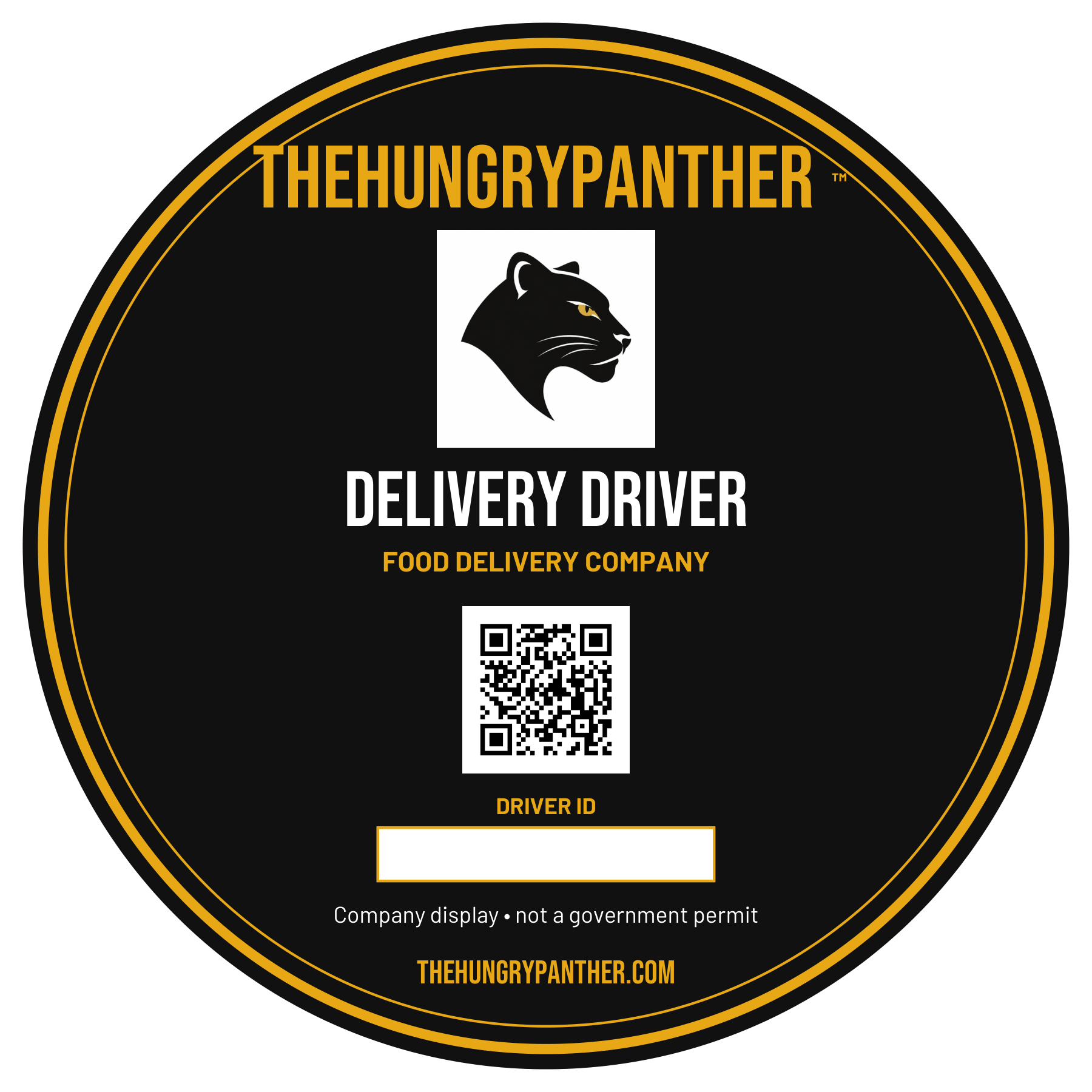
Staff badges
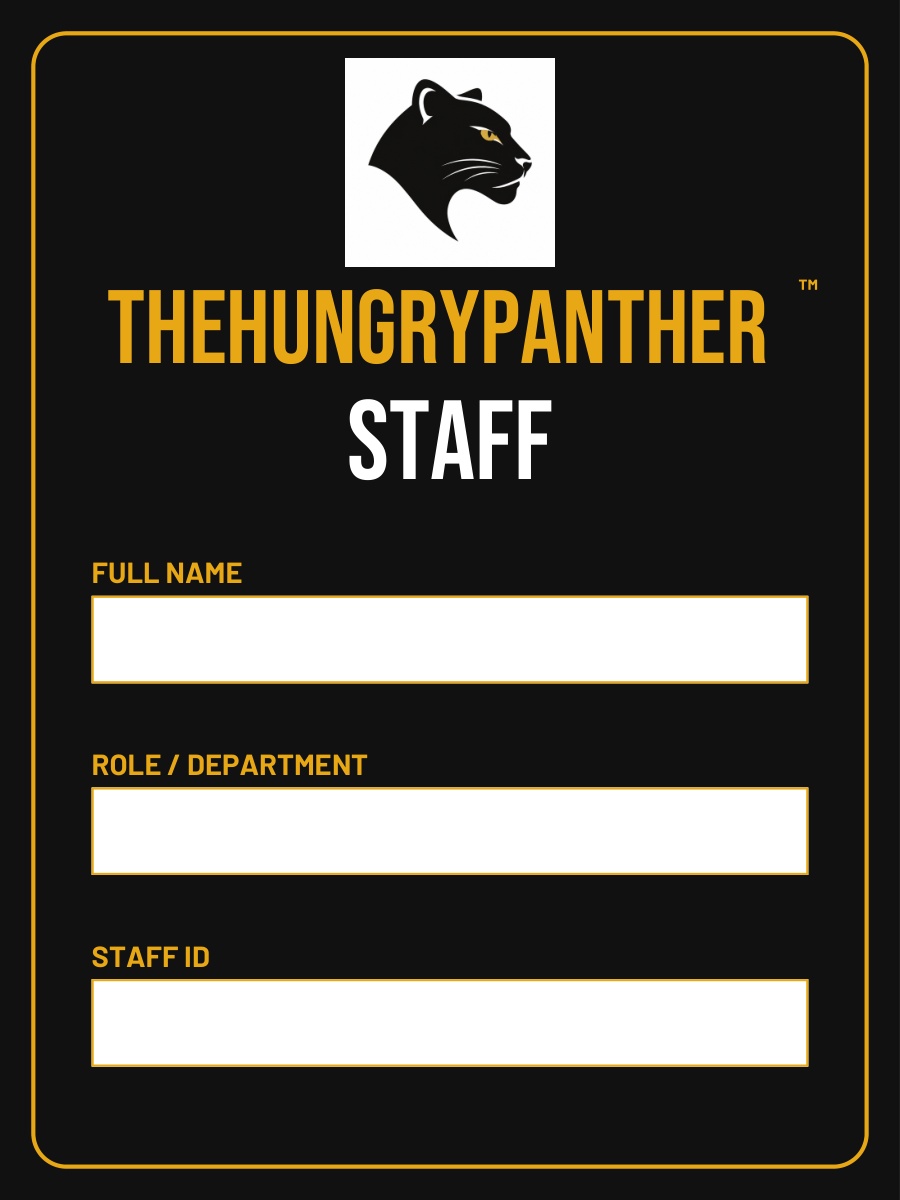
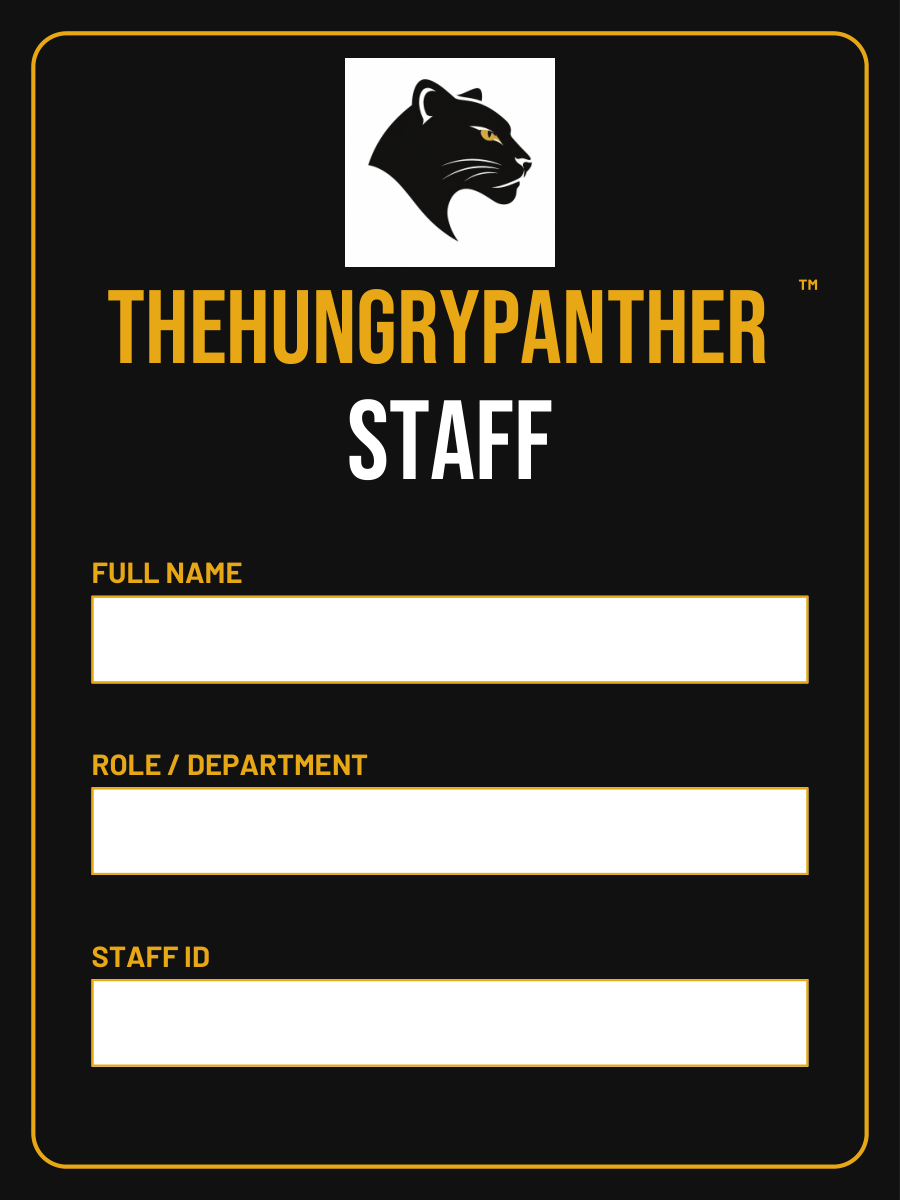
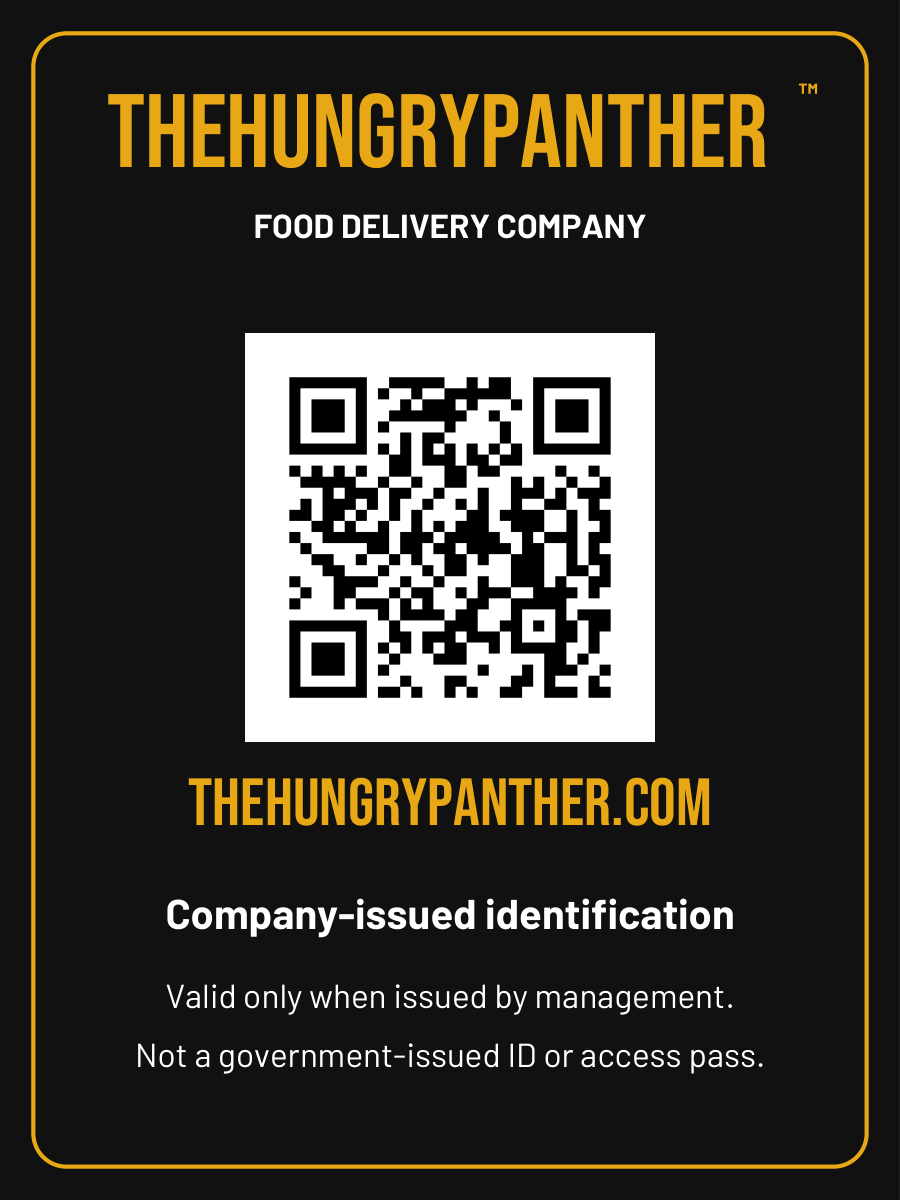
3 × 4 in · 300 DPITwo-sided black-and-gold staff badge with the panther logo and ™ mark. The PDF has fillable name, role and staff ID fields; the reverse carries the company website QR code. Blank templates for management to issue.
Business cards with QR code
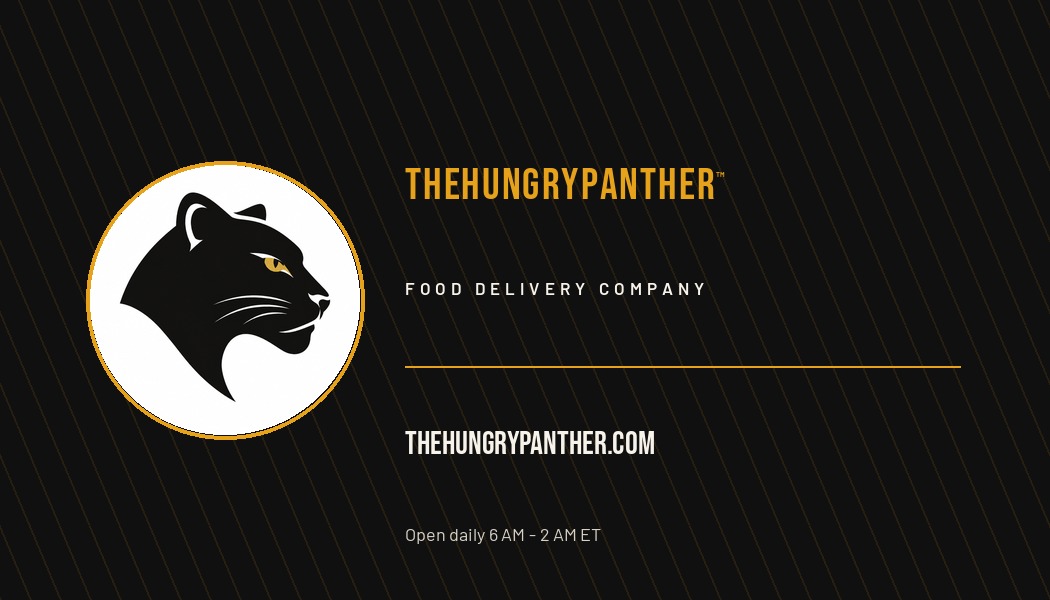
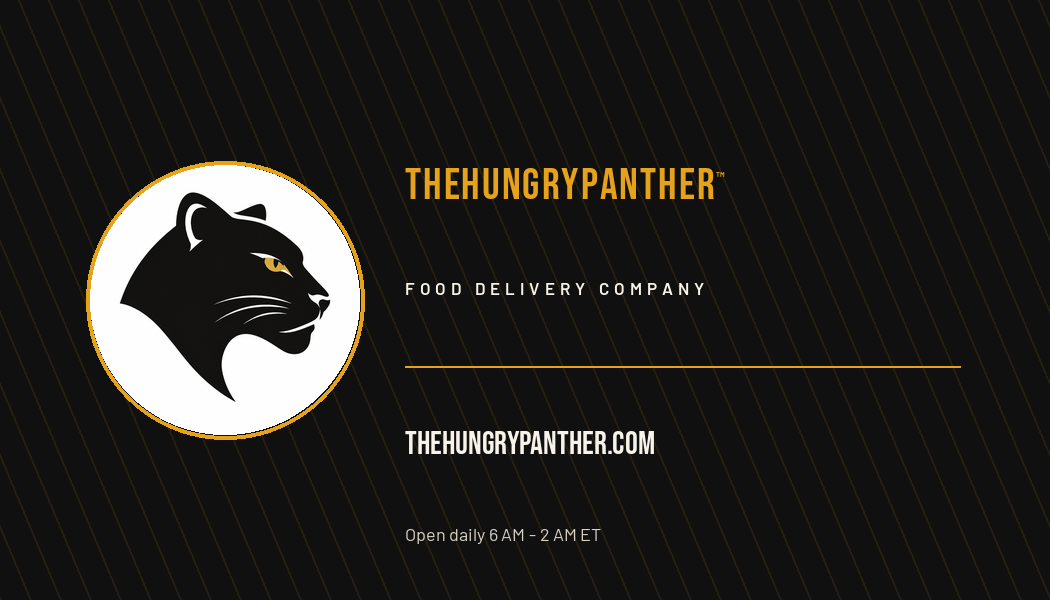
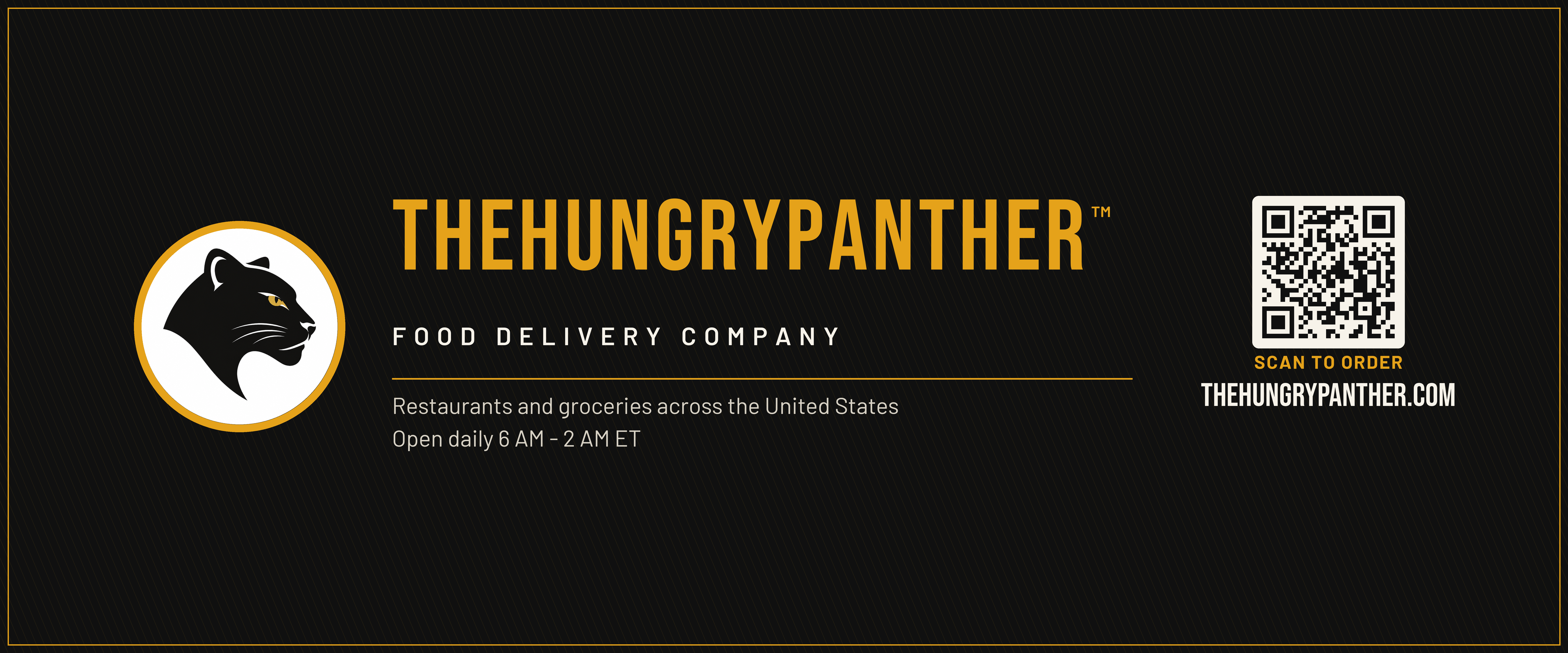
3.5 × 2 in · 300 DPI · 10 per pageDark front carries the brand mark; the cream reverse has a QR code that opens the ordering page. The PDF holds ten fronts on page one and ten reverses on page two for double-sided printing.
Printing notes
- Print the flyer, table banner, door sticker and business cards at 300 DPI on the sizes listed.
- Staff badges are 3 × 4 in at 300 DPI. Complete the PDF fields in a PDF reader before printing; confirm holder size and finishing with your printer.
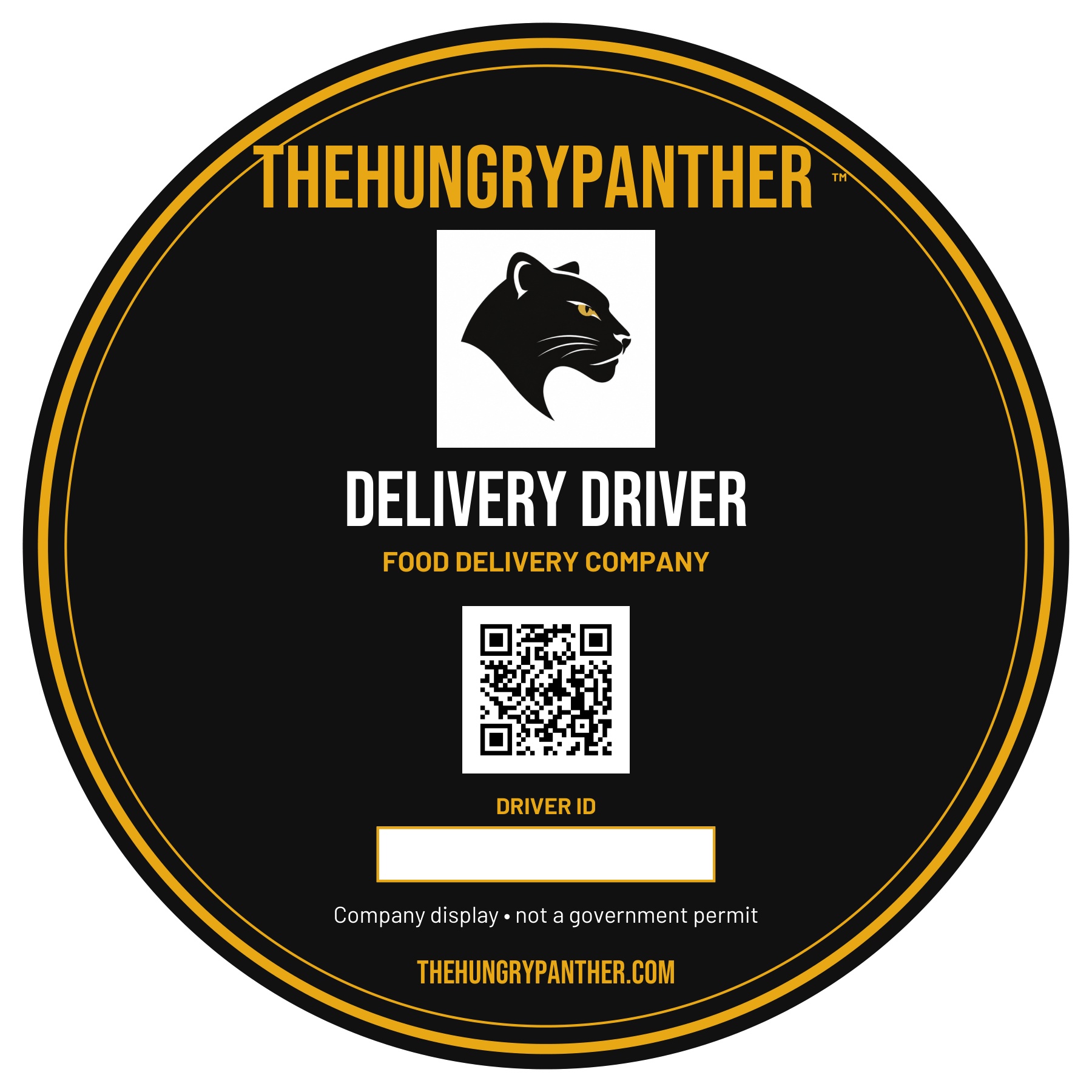
- Driver medallions are 6 inches across. Complete the driver ID in a PDF reader; ask your printer for round vinyl or a removable vehicle display. Never obstruct windows, mirrors or required plates; check local display rules.
- The table banner is designed to fold along its centre line, so both faces read upright.
- The table cloth artwork is 72 × 30 in at 120 DPI for fabric printing; ask your printer to scale it to the finished drape.
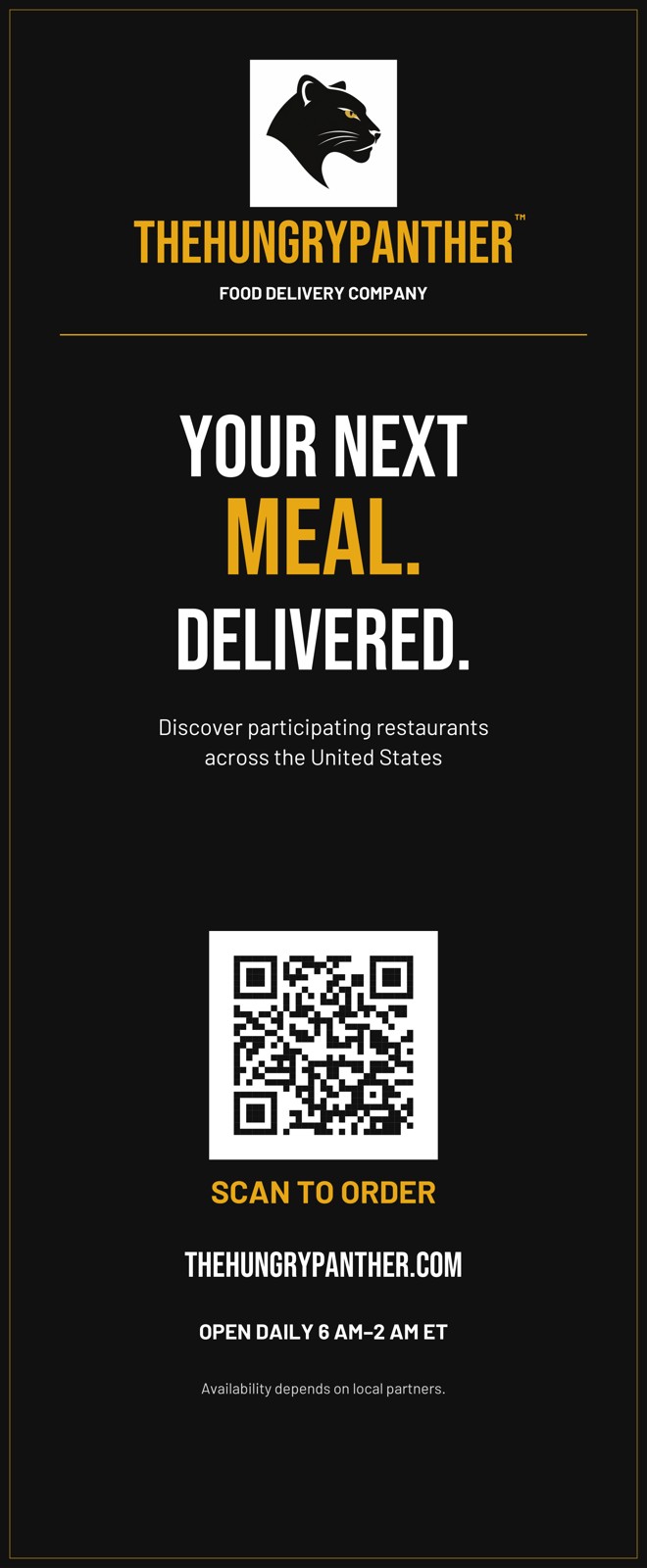
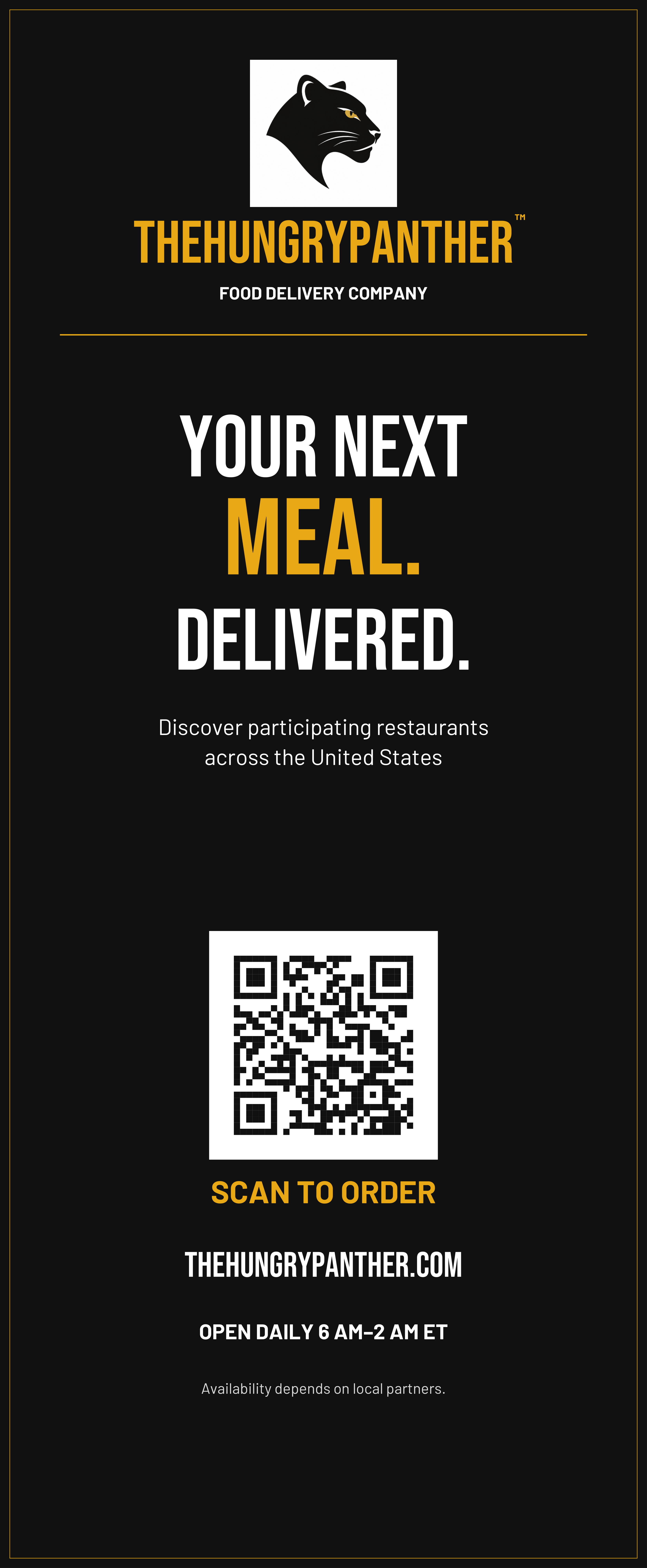
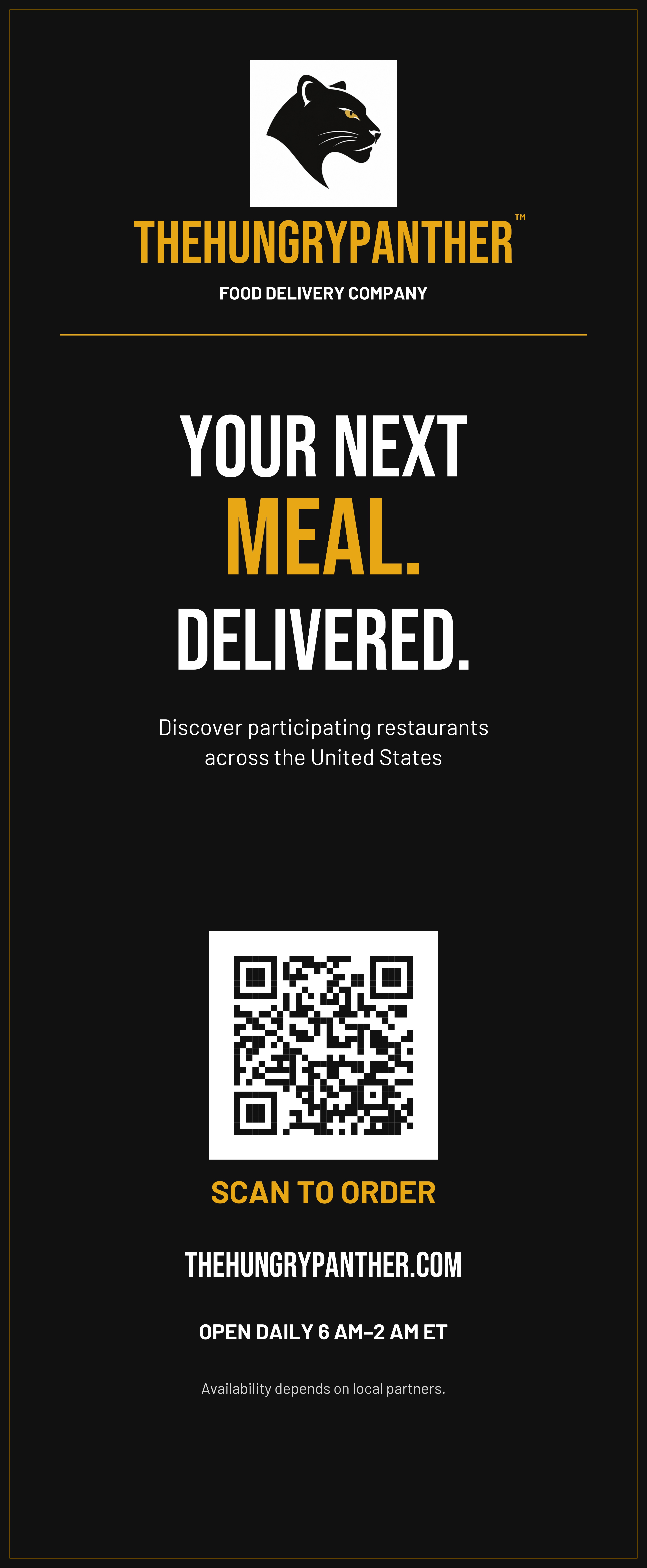
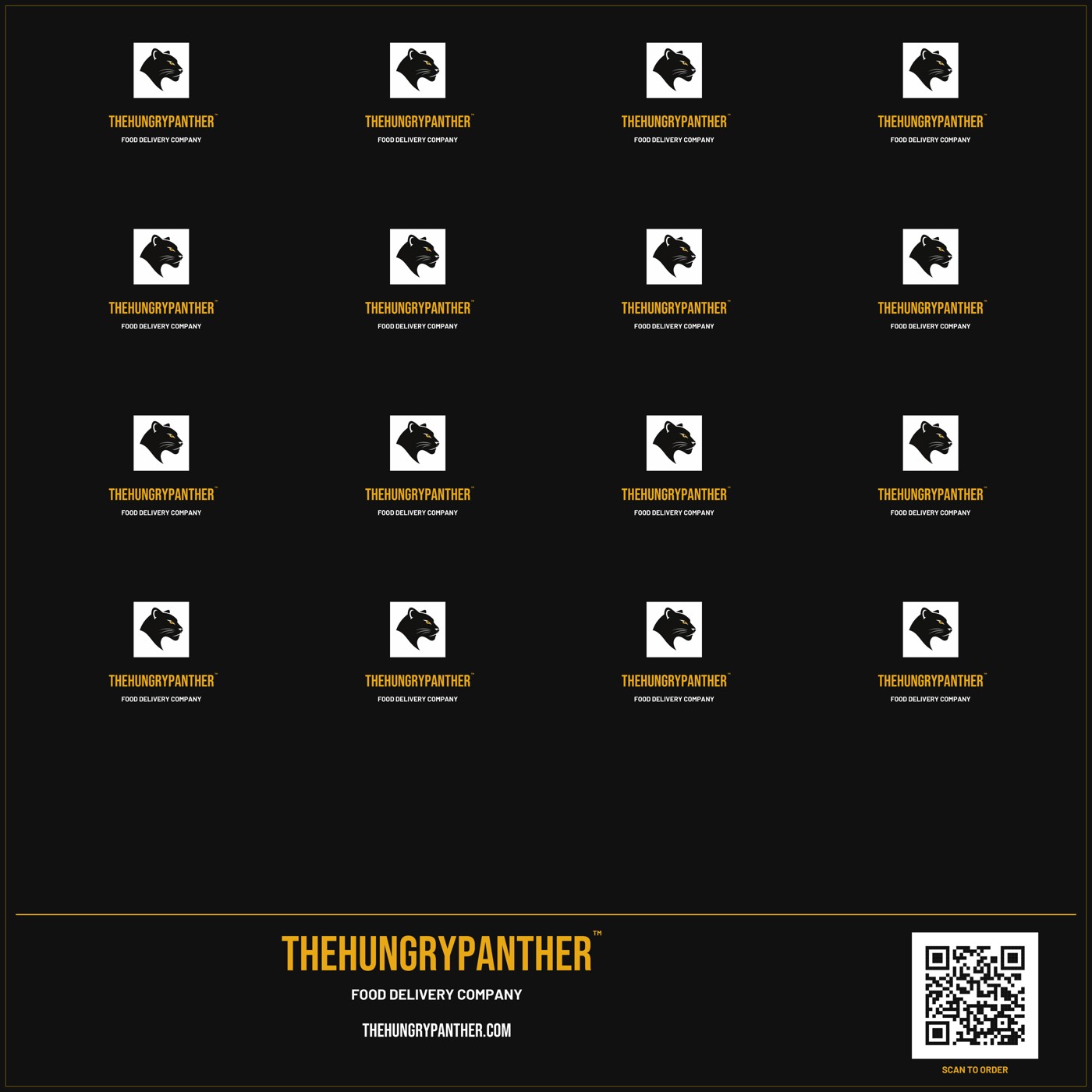


- The retractable banner is 33 × 80 in and the backdrop is 96 × 96 in. PDFs preserve vector text and QR codes; PNG/JPEG versions are 100 DPI.
- Confirm your printer’s stand, bleed, safe-area and fabric template before production. The supplied logo is raster artwork; request a vector logo for the sharpest large-format result.
- QR codes point to thehungrypanther.com. If the web address changes, ask for the materials to be regenerated.